Wallpaper Waste Paper Basket. Say that five times in a row quickly!
So the laundry room isn’t ready yet. Still missing some bits and pieces but I hope to get them done later this week. I’m working on the details though and one of them was the need for a trash can for lint. I had no idea there would be so much lint! I could fill a pillow with what the dryer has yielded so far!
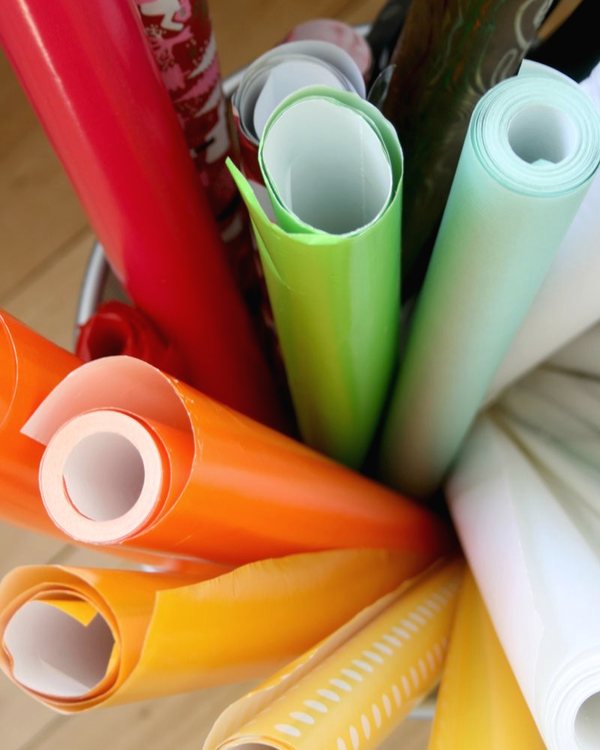
Anyway, I had the can but wanted to spruce it up a bit so I got one of my all time favorite wallpapers and decided to cover it with that. Wasn’t sure how wallpapering the mesh surface of the trash can would work but thought I’d give it a go anyway.
I started out by laying the can on the wallpaper and roll it from side to side on it to make sure I had enough paper to reach the rim on the sides too.
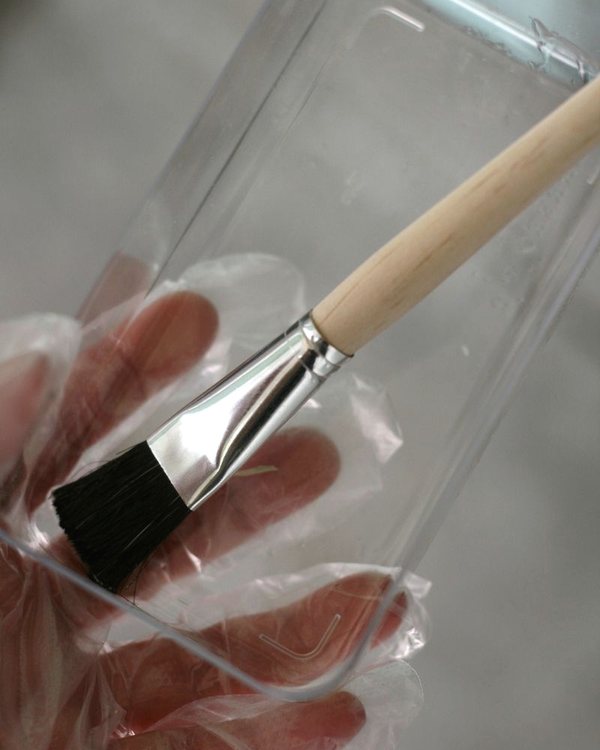
Then I added the wallpaper paste to the back of the wallpaper and folded the sides over towards the middle to let the paper soak in the adhesive and let that sit for about five minutes.
Then I opened the sides out and stuck the wallpaper to the side of the can and cut away the excess on the sides under the rim and smoothed the wallpaper out with a damp rag to make sure there wasn’t any glue on the outside. Then I cut the excess off the bottom.
That left me with a partially covered can and the tapered sides made it a bit wonky looking but I figured not all trees grow dead straight in the woods either.
I didn’t want where the edges met to look too laid on top of each other so I cut some of the branches out on the sides and let them overlap other branches on the other piece instead. That worked out really well!
And here’s the finished can after letting it dry over night. I didn’t expect it to work out so well but the wallpaper is really stuck on hard to the metal mesh so I’m really pleased. Let there be lint!
And wohooo! It’s friday! Have a good weekend! I will! Exclamation marks!
Ps. Please excuse the huge white balance difference in the photos. That’s the thing I struggle with the most when taking pictures. I used my small camera for the how-tos (a camera which I can use with wallpaper pasty, paint covered or otherwise dirty hands) and the DSLR for the finished product. The results are simply not the same and I don’t know how to rectify the white balance in the short time I allow for editing post photos. If someone has any tips for me I’m all ears!


Wow it looks right at home near the washing mashines. I too am suprised the wall paper stuck on so easily. I would have never thought about doing that, or I could have but then thought it will not work.
Posted by: Leena | July 15, 2011 at 07:37 AM
Great idea perfectly executed, as always x
Sorry, my photos are usually so shocking I am no help there!
Posted by: Hxx | July 15, 2011 at 08:14 AM
The bin is definitely upgraded! This wallpaper is so cool that ain't nothing it can't make look better. Pure bliss! So, to address your question if there's a setting for white balance with options on your small camera go for warm white in order to achieve a similar look to the final picture. That's my first thought on this!
Posted by: Sophia | July 15, 2011 at 08:23 AM
Om jeg ikke har misforstått, så er det det nederste bilde du vil ha odnet hvitbalansen på? Prøv Auto Color i Photoshop! (⇧ + ⌘ + B, eller Image - Adjustments - Auto color) Eller så kan du prøve Auto Levels i samme meny. Dette er antakeligvis den enkleste og raskeste måten å gjøre det på!
Posted by: Steffen | July 15, 2011 at 09:47 AM
Tack, jag testar nästa gång!
Posted by: Benita ~ Chez Larsson | July 15, 2011 at 09:51 AM
Hey that looks great, that wallpaper is so good.
I sometimes do a quick fix right in iphoto. My version is not that new, but I go into that where the photo is full screen and then choose at the bottom the little adjust window-thingie. Usually it is enough to just move the tempature bar slightly to the blue side, then you lose the yellow tinge. Sometimes I also move the right or light bar in the levels slightly to the left to lighten the image also helps. This is my shortcut, if it does not do the trick, then I go to work in Photoshop, but that might take longer. Hope this helps.
Posted by: Kris | July 15, 2011 at 11:44 AM
While I can offer no guidance in the photo arena, I do have experience with switching from no dryer to dryer. After your fabrics have been through the dryer cycle a few times, they are likely to produce less lint. Yes, it's still a surprising amount, but those fist spins through are the heaviest.
p.s. Love the basket!
Posted by: CC | July 15, 2011 at 12:12 PM
Great result! Now you need to come up with a craft to use all that lint...I have seen some projects in the past that have used dryer lint for something or-other, now I have to do a computer search to find them!
Posted by: RebeccaNYC | July 15, 2011 at 01:04 PM
This is such a cool idea to me because I've never been crazy about see-through trash bins. Who wants to look at trash? And that tree paper is pretty without being too twee.
Posted by: devil | July 15, 2011 at 01:23 PM
Neat idea - looks good! :-)
Posted by: tinajo | July 15, 2011 at 01:45 PM
I love that wallpaper!
Posted by: Emily | July 15, 2011 at 02:37 PM
I'm amazed by how well the paper adhered to the mesh. Great job!
Posted by: homestilo | July 15, 2011 at 02:53 PM
Ah, that sound like a Mac thing :). I'm still PC...
Posted by: Benita ~ Chez Larsson | July 15, 2011 at 03:28 PM
Love that wallpaper, too! I'm thinking a pretty wastebasket like that would be great for storage.
Posted by: celia | July 15, 2011 at 03:57 PM
You can either change your DSLR's white balance setting, use a flash, or if you use Photoshop, use the Image > Adjust Levels > white eyedropper tool to select an area that should be white.
Looks nice. My projects never turn out as well as yours!
Posted by: Patia | July 15, 2011 at 04:39 PM
I'm surprised that you're surprised by lint. Did you not have a dryer in your last house? Or if you did, where did the lint go?
Your trashcan makeover looks lovely, of course. :)
Posted by: r8chel | July 15, 2011 at 05:51 PM
smashing x what you do is wait for willie to go out, or distract him with food, and get on to his mac. or, coerce him into processing your photos for you. after all, you're making him such a beautiful house to live in! coercion i say. guilt. then photoshop if you have it, or iphoto - it's just temperature but you could look at brightness and contrast as well if you like. sometimes i need to go into colour balance in photoshop, and i love a little thing called the 'dodge' tool for pulling up whites. x!
Posted by: elisa rathje | July 15, 2011 at 07:21 PM
I love the lint trash can! You are so creative and pragmatic!
I washed some new navy and white beach towels for my kids this week and oh my the lint was incredible! There was oodles and oodles...like you said enough to make a pillow! :) Such a fun image! :)
I'm sure one of these days somebody is going to hire you as a consultant for their design business or for product development! Your ideas are worth more than gold!
~ Ali
Posted by: Ali | July 15, 2011 at 07:26 PM
Photoscape of course has a white balance option, but it frequently makes things too blue IMO. The easier way is to remove the color cast and take the yellow out. I think your pics are great, though.
Posted by: Rose | July 15, 2011 at 07:34 PM
Need to know more about your workflow to suggest the quickest way to fix white balance. Do you shoot JPG or RAW with the DSLR? What program do you use to edit?
If you shoot RAW with the DSLR, there's a White Balance slider in Adobe Camera Raw (what you get when you open a RAW file in Photoshop). Move it to the left to make the image less yellow.
Posted by: Emily | July 15, 2011 at 08:23 PM
Thank you!
Posted by: Benita ~ Chez Larsson | July 15, 2011 at 11:03 PM
I shoot JPEG and use Photoshop. Don't think there is a white balance slider in PS for JPEG?!
Posted by: Benita ~ Chez Larsson | July 15, 2011 at 11:06 PM
I've tried that but prefer to use PS for all the editing instead of switching from one program to the other. And I agree, sit does makethings too ble andd you have to tweak them anyway.
Posted by: Benita ~ Chez Larsson | July 15, 2011 at 11:07 PM
Thanks, I'll try that!
Posted by: Benita ~ Chez Larsson | July 15, 2011 at 11:12 PM
This is my first ever dryer! :)
Posted by: Benita ~ Chez Larsson | July 15, 2011 at 11:12 PM
This is a 1 second fix in Lightroom. Once you go Lightroom you never go back. Seriously, Lightroom is that awesome.
Posted by: Jakob | July 15, 2011 at 11:51 PM
Is this an IKEA wasebasket? It looks exactly like one I have. Cheap, a useful size, but boring. This is inspiring and kudos to you for even thinking it would work.
Posted by: Judy | July 16, 2011 at 01:37 AM
I keep hearing that. Hmmm....
Posted by: Benita ~ Chez Larsson | July 16, 2011 at 07:35 AM
It is!
Posted by: Benita ~ Chez Larsson | July 16, 2011 at 07:35 AM
Tack fina superduktiga du för din hälsning hos mig idag:) Jag resonerar verkligen precis som du gör!
KRAM
P
Posted by: PHILIA | July 16, 2011 at 09:03 PM
Vilken ur rolig idé!
Jag har nämligen tapiserat med just den tapeten och har en bit
kvar som jag inte vet vad jag skall göra med.
Tusen tack för ditt fina tips!!!
Härlig blogg!
kram CC
Posted by: room of karma | July 16, 2011 at 10:04 PM
That's a great idea! Beautiful!
Posted by: Naomi | July 16, 2011 at 11:30 PM
Hej, vilken jättebra ide!! Tack för insperationen!!
Posted by: Katja | July 17, 2011 at 01:54 PM
WOW!! och min favvotapet... :)
Posted by: Anna-Malin | July 17, 2011 at 02:22 PM
I've been trying to find a wallpaper I like to line our nightstand drawers with (my husband got a little crazy with the stain). That just might be perfect!
Posted by: Jaimie | July 17, 2011 at 06:28 PM
"apered sides made it a bit wonky looking but I figured not all trees grow dead straight in the woods either."
LOL that is true!
Love your basket. Yes, if you have cats you have TONES of lint when drying blankets or beddings, for me it is not imaginable to live without dryer and have cats.
I have a feeling that every week I gat one whole cat out of there LOL.
I LOVE your wallpaper, do you know if I can buy it somewhere online and let it deliver to germany?
Posted by: jja | July 18, 2011 at 11:40 AM
I don't know about online but you should be able to order it via a local wallpaper store.
Posted by: Benita ~ Chez Larsson | July 18, 2011 at 12:46 PM
I am not an expert on white balance, but I certainly know how time consuming editing photos for a blog post can be. Though I like the warmer photo from the DSLR best, I would probably edit the one to look like the others rather than the other way around. But really, I didn't notice until you pointed it out. I was totally distracted by the DIY project.
Posted by: Erin Kleider | July 18, 2011 at 09:49 PM
Neat! How cool to have your very own design on the bin. I really like the wallpaper you are using, even though it's been seen in a lot of magasins the last few years I still like it! The bare tree, branches, feels very Swedish, even if I know it's not.
/helena
Posted by: enannanhelena | July 18, 2011 at 11:33 PM
maybe someone suggested this above: in photoshop, go to Levels and click Auto. That's it.
Unless your image is (intentionally) very light or dark, this one-step fix will bring your image into normal balance. I use it just about every time.
Posted by: blake @ salt teak & fog | July 19, 2011 at 07:44 PM
I use the dryer lint, stuffed into paper egg cartons, mixed with old candle wax, melted and poured on top. Then you have fire starters for the fireplace or bonfires.
Posted by: Robin | July 22, 2011 at 05:16 PM
That's such a cool idea!
Posted by: Benita ~ Chez Larsson | July 22, 2011 at 10:37 PM